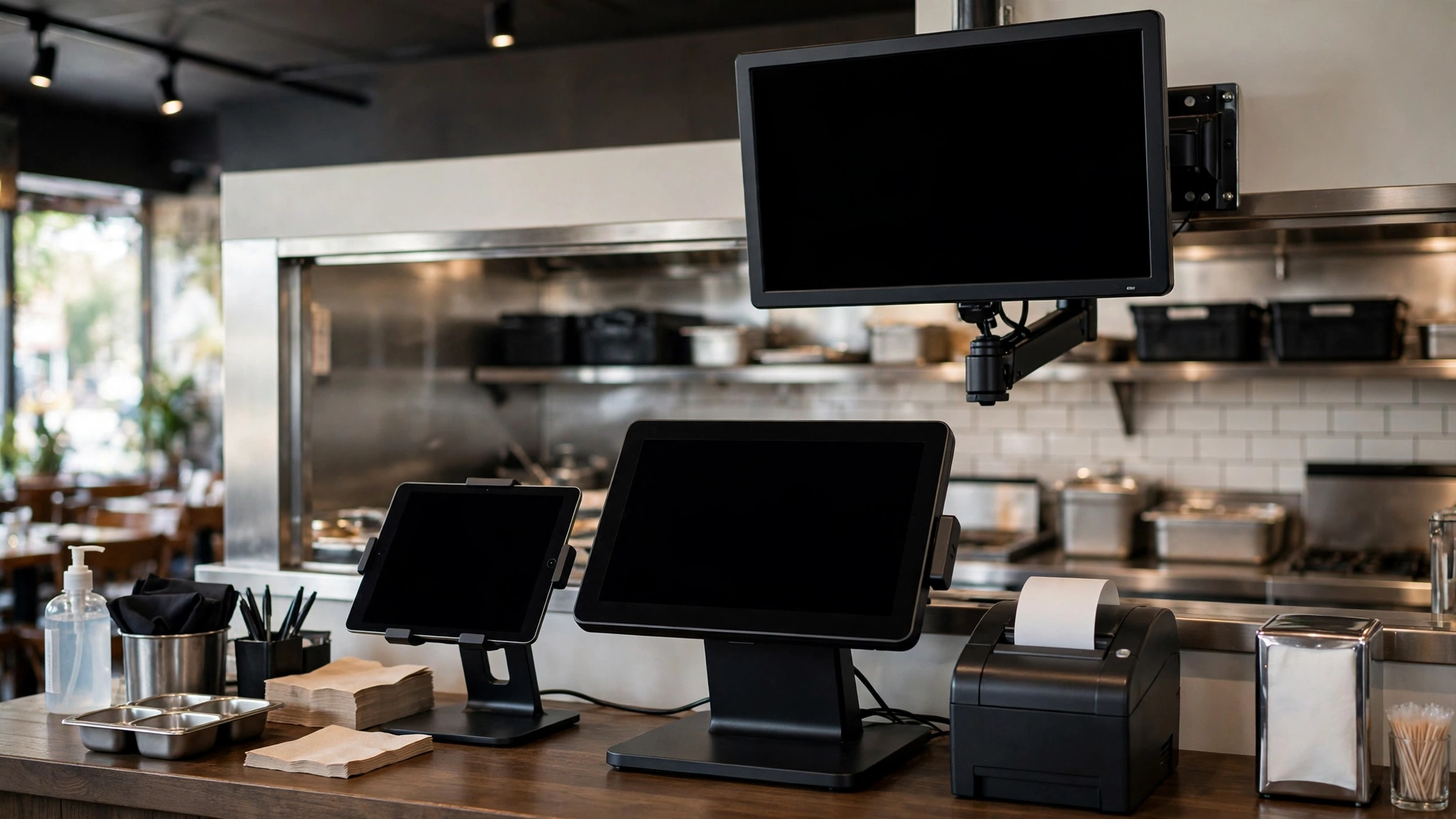
A restaurant POS can record sales perfectly and still leave the operation fragmented.
The problem begins when sales live in one system, recipes in another, inventory in a spreadsheet, labor in a scheduling app and accounting somewhere else. Managers then spend time copying numbers between systems, reconciling mismatched reports and trying to work out which version is correct.
POS integration is meant to reduce that friction. But connecting everything to everything is not automatically better.
The useful question is: which information should move automatically because it improves a real operating decision?
What restaurant POS integration actually means
POS integration means your point-of-sale system exchanges data with another system instead of requiring the same information to be entered manually in both places.
Typical integrations can include:
- inventory and food cost,
- accounting,
- labor and scheduling,
- online ordering,
- delivery platforms,
- reservations,
- loyalty and customer marketing,
- kitchen display systems,
- business intelligence and reporting.
The value does not come from the connection itself. It comes from eliminating duplicate work, improving data consistency or making a decision faster.
Start with the operating problem, not the integration list
Software vendors often present integrations as a feature count. That can lead operators to ask, “How many integrations does this POS have?” instead of asking, “Which integrations solve our actual problems?”
For example, a small counter-service restaurant may care most about online orders entering the POS automatically, sales data feeding accounting, menu items connecting to recipe costing and labor hours matching sales by daypart.
A full-service restaurant may place more weight on reservations, table management, tips and server performance. A catering operation may need event deposits, production planning and dispatch data more than table-management features.
Integration priorities should follow the operation.
The POS should remain the sales source of truth
For most restaurants, the POS should be the authoritative source for completed sales transactions.
Useful sales data can include:
- net sales,
- tax,
- discounts,
- voids,
- refunds,
- payment types,
- tips where applicable,
- item quantities,
- sales by category,
- sales by hour or daypart.
Once the restaurant agrees on the POS as the sales source of truth, reconciliation becomes easier because connected systems are consuming the same base data.
POS and inventory integration
Inventory is one of the most attractive integrations because every menu item sold potentially consumes ingredients.
In principle, the flow looks simple:
POS sale → menu item → recipe → ingredient usage → theoretical inventory
For example, if one grilled chicken sandwich uses 180 g chicken, one bun, 25 g sauce and 20 g lettuce, then 100 recorded sales can generate an expected usage quantity for those ingredients.
That is valuable because physical inventory can then be compared with theoretical usage.
But the integration only works well when recipes and units are maintained properly. If the POS says “Chicken Burger,” the costing system says “Grilled Chicken Sandwich,” and the recipe database uses a third name, the connection may be technically active while the operational data remains unreliable.
Integration does not eliminate physical inventory
A POS-to-inventory connection can estimate what stock should have been used. It does not tell you with certainty what is physically on the shelf.
Actual stock can differ because of waste, over-portioning, unrecorded staff meals, incorrect recipes, receiving errors, transfers and counting errors.
That is why theoretical inventory should be paired with a consistent physical count.
See our guide to Restaurant Inventory Variance for a practical process to investigate the gap between expected and actual stock.
POS and accounting integration
Accounting integration can remove a large amount of repetitive data entry.
A useful connection may transfer daily summaries such as sales, tax collected, cash payments, card payments, gift card activity, discounts, refunds and delivery-platform settlements where supported.
The important issue is mapping.
The restaurant needs to decide how POS categories map into the accounting chart of accounts. Food sales, beverage sales and catering sales may need separate treatment.
If the mapping is wrong, automation simply creates incorrect entries faster.
Reconciliation still matters after accounting integration
An automated journal entry is not proof that the restaurant received the correct amount of money.
Management should still reconcile POS sales, cash deposits, card processor settlements, delivery-platform payouts, refunds and chargebacks.
Integration should reduce data entry, not eliminate financial control.
For broader financial review, see How to Read a Restaurant Profit and Loss Statement.
POS and labor integration
Labor becomes much more useful when sales and staffing data can be compared in the same time periods.
Useful connections include employee clock-in and clock-out data, scheduled versus actual hours, labor cost by day, sales per labor hour and labor percentage by daypart.
This helps managers answer operational questions such as whether Friday dinner felt busy because sales were strong or because the restaurant was understaffed.
Our guide to Restaurant Staff Scheduling covers the operating side of building a weekly schedule.
POS and online ordering
One of the clearest integration opportunities is direct order injection.
Without integration, an employee may have to read an online order from a tablet and enter it manually into the POS. That creates risks such as missed orders, double entry, wrong modifiers, incorrect prices, delayed kitchen tickets and weak reporting.
A well-designed integration sends the order directly into the POS and, where appropriate, into the kitchen workflow.
The manager should still test modifier logic carefully. Complex menu choices are where many integrations fail operationally even when the systems technically connect.
Delivery-platform integration
Restaurants using multiple delivery marketplaces often experience “tablet chaos”: one device for each platform, separate menus and separate reporting.
Integration can centralize order flow, but the restaurant should verify how menu updates synchronize, how unavailable items are handled, how modifiers map, how commissions appear in reporting, how cancellations and refunds are recorded and whether settlements can be reconciled cleanly.
The goal is not merely fewer tablets. The goal is consistent orders and clearer financial reporting.
POS and kitchen display systems
A kitchen display connection can turn the POS into a real-time production queue.
Useful features may include routing items to the correct station, tracking ticket time, showing modifiers clearly, coordinating multiple stations and marking items or tickets complete.
The operational design matters more than the screen itself. If routing rules are wrong, a digital kitchen can become more confusing than printed tickets.
POS and menu management
Menu data often becomes duplicated across the POS, website, online ordering, delivery platforms and digital menu boards.
Where possible, the restaurant should reduce the number of places where price and availability must be changed manually.
But centralized menu management only works if the selected master system supports the fields the restaurant actually needs. Test pricing, taxes, modifiers, availability windows and location-specific differences before assuming one menu can control every channel.
POS and reservations
For full-service restaurants, reservation integration may help connect guest flow with table management and transaction data.
Potential benefits include fewer manual guest-status updates, better table-turn visibility, guest notes available to the service team and reservation history connected with spending patterns.
Privacy and access controls matter here because customer information is involved. Only collect and share the data the operation genuinely needs.
POS and loyalty
Loyalty integration can connect purchases with rewards and customer profiles.
Before adopting it, define the operating objective. Is the restaurant trying to increase visit frequency, increase average check, encourage direct ordering instead of third-party delivery or recover inactive customers?
A loyalty system without a specific objective can become another discount mechanism that reduces margin without changing behavior.
Watch for one-way versus two-way integration
Not all integrations exchange data in both directions.
A system may pull sales from the POS but not send changes back. Another may synchronize menu items in both directions.
Before buying, ask:
- Which system sends data?
- Which system receives it?
- How frequently does synchronization happen?
- What happens when the connection fails?
- Which system wins if the same field is changed in two places?
These questions are more useful than simply asking whether two products “integrate.”
Real-time is not always necessary
Some data genuinely benefits from near-real-time movement. An online order needs to reach the kitchen quickly.
Accounting summaries usually do not need second-by-second synchronization. A daily sales export may be perfectly adequate.
Choose the frequency based on the operating decision, not because real-time sounds more advanced.
Test failure behavior before launch
Every integration can fail.
Before depending on one, the restaurant should know what happens when the internet drops, an API connection stops, an item mapping breaks or one system is temporarily unavailable.
Ask:
- Are failed transactions queued and retried?
- Does the manager receive an alert?
- Can missing orders be identified?
- Is there an audit trail?
- Can data be re-synchronized without creating duplicates?
An integration that works beautifully in normal conditions but fails silently is an operational risk.
A practical POS integration review
For each proposed connection, write down five things:
| Question | What to define |
|---|---|
| Problem | What manual work or operating error are we trying to reduce? |
| Data | Exactly which fields need to move? |
| Direction | Which system sends and which receives? |
| Frequency | Real-time, hourly or daily? |
| Control | How will we know if the integration fails? |
This simple review can prevent expensive software complexity that adds very little practical value.
Integrate the high-value flows first
For many independent restaurants, the highest-value sequence is usually:
- Sales and payments remain clean in the POS.
- Online orders flow directly into the POS.
- Sales data feeds accounting.
- POS item sales connect to recipe and inventory logic.
- Labor data can be compared with sales.
- Other customer-facing systems are added only where they solve a clear need.
The exact order will vary, but the principle is the same: solve the biggest operational friction first.
Choose restaurant software around workflow, not feature count
Integration should be part of a broader software decision rather than treated as a standalone feature.
Our guide How to Choose Restaurant Software Without Wasting Money explains how to compare systems based on operating fit, implementation effort and actual business value.
The goal is fewer manual handoffs
A good POS integration setup should make the restaurant easier to run.
It should reduce re-entry, make reports more consistent, expose exceptions faster and give managers cleaner information.
If an integration adds another dashboard, another login and another reconciliation problem without removing work somewhere else, it is probably not doing enough.
Measure whether the integration is actually working
After launch, do not judge the connection only by whether data appears in the destination system. Track whether the integration removes work and improves control.
| Measure | What it tells you |
|---|---|
| Manual entries removed | Whether duplicate work actually decreased |
| Sync failures | Reliability of the connection |
| Reconciliation differences | Whether the systems agree financially |
| Manager time saved | Operational value of the connection |
| Order or mapping errors | Quality of menu and data setup |
An integration that technically runs but creates frequent exceptions may need redesign rather than more automation.
Create a launch validation matrix
Before relying on a new POS connection, test normal and exception transactions:
- standard sale,
- modifier-heavy order,
- discount,
- void,
- refund,
- tax-exempt or special tax case where applicable,
- delivery cancellation,
- offline or delayed-sync scenario.
Record the expected result in every connected system and confirm that the actual result matches.
Do not integrate bad master data
Before another system is connected, clean the records the integration will depend on. Check menu item names, ingredient names, units of measure, tax categories, employee identifiers, locations and payment methods. Automation can spread duplicate or inconsistent records faster than a manual process.
For each important data type, define one source of truth. Sales transactions will usually belong to the POS, recipe quantities to the recipe or inventory system, time records to the labor system and financial statements to the accounting system. If two systems can edit the same field, document which one wins and how mismatches will be reconciled.
Frequently asked questions
Should accounting data sync in real time?
Usually it only needs to move fast enough for the financial workflow. Daily summaries can be sufficient for many operators, while order flow and kitchen routing may require near-real-time connections.
Can POS integration replace inventory counts?
No. POS integration can estimate theoretical usage, but physical counts are still needed to identify waste, portion drift, receiving errors and other real-world differences.
How many integrations is too many?
There is no fixed number. Too many means the restaurant is spending more time maintaining connections, logins and reconciliations than the integrations save. Each connection should have a clear operating purpose and owner.
Operational note: Integration capabilities, data fields and synchronization behavior vary by provider and plan. Verify the exact workflow with each vendor before implementation, and test critical transaction paths before relying on them in live service.