A restaurant POS outage plan must distinguish losing the internet from losing the entire register. A vendor’s “offline mode” may allow order entry while disabling payment authorization, loyalty lookups, cloud kitchen routing, inventory synchronization or refunds. The only safe operating assumption is the functionality you have personally tested on the exact devices, software version, card readers and network configuration used at your location. A written fallback can keep guests moving without promising that every offline transaction will be approved later.
What restaurant POS offline mode can and cannot do
Some systems store orders locally until a connection returns. Others need a local network, a device that previously authenticated, or a specific payment reader. Offline card processing may be unavailable, limited by transaction value, or expose the merchant to declined transactions after service. Do not treat offline order entry and offline card authorization as the same feature. Before any live trial, obtain the provider’s current written terms for your plan, processor, country and hardware. The vendor’s marketing page is not a substitute for testing a real failure scenario.
There are at least four distinct outages to simulate: the internet service provider fails while Wi-Fi and power remain; the local router fails; a POS tablet loses its own connection; and power fails entirely. A solution that survives the first may not survive the other three. An internet failover modem does not help if the POS is damaged, the kitchen printer is on an isolated subnet or the router itself has failed.
Map the transaction before planning the backup
Write down the path for an ordinary order: cashier selects menu items, the system checks prices and modifiers, payment is accepted, kitchen receives the ticket, inventory and tax records are updated, and a receipt is delivered. Mark each dependency: cloud account, Wi-Fi, router, internet, card network, local printer, payment reader, kitchen display, customer SMS and delivery marketplace. The exercise exposes hidden failures. A kitchen display may rely on a cloud connection even when a cashier can still see an order on a tablet.
Give every dependency an owner and a fallback. A paper ticket may replace kitchen display routing, but only if cooks can interpret modifiers and allergy instructions reliably. A printed price sheet can replace a cloud menu lookup, but only if it is dated and the manager can identify current tax and surcharge rules. A handwritten order number may replace a digital ticket identifier, but the same identifier must be used in payment and reconciliation to avoid double charges.
Worked example: a 90-minute lunch outage
Assume an independent counter-service restaurant normally processes 42 orders per hour at an average pretax ticket of $18. Theoretical gross sales exposed during a 90-minute outage are 42 × 1.5 × $18 = $1,134. This is not a forecast of actual lost revenue; some customers may wait, pay cash, return later or order through another channel. The estimate is a planning ceiling based on assumed throughput.
Suppose a rehearsed paper-ticket and cash fallback allows 25 orders per hour, and every fallback order is completed. In 90 minutes it could process 25 × 1.5 = 37.5, so use a planning estimate of 37 or 38 orders depending on the actual arrival pattern. At $18, 38 orders represent $684 of sales processed. Compared with the theoretical 63 normal orders, 25 fewer orders represent $450 of potential sales not handled. That is sales exposure, not $450 of lost profit. If the assumed variable cost per order is $7, the corresponding foregone contribution before other variable costs is 25 × ($18 − $7) = $275. Neither amount is an industry average.
Calculate the cost of a backup connection
Consider a hypothetical cellular backup plan costing $45 per month and a $180 router. Over 24 months, ignoring financing and taxes, the cash cost is $180 + (24 × $45) = $1,260, or $52.50 per month when spread evenly. That does not prove a backup is worth buying. If it prevents one incident with $275 in otherwise lost contribution, it recovers only part of the two-year cost; if it prevents six comparable incidents, the modeled contribution protected is $1,650. Add installation, data caps, service availability, support, device compatibility and downtime risk before deciding.
A backup connection should be tested with the main internet physically disconnected. Merely seeing a cellular signal on the router screen does not prove payment readers, printers and kitchen displays actually reroute. A dual-WAN setup may also require appropriate firewall, DHCP and DNS behavior. Assign an owner for quarterly test evidence and record how long failover takes, not just whether it eventually connects.
Offline payments require separate risk approval
Offline card acceptance, where supported, can create a delayed-authorization risk. The merchant may not know whether a payment will ultimately be approved until the connection returns, and card networks or payment providers can impose restrictions. Never promise that a card has been charged successfully if the device only stored a transaction. Ask your processor how it handles offline limits, expiry, customer authentication, tips, duplicate attempts, chargebacks, stored card data and refunds. Staff must never write full card numbers or security codes on paper as a workaround.
When offline card capture is not contractually supported, offer approved alternatives such as cash, an independently functioning payment channel or asking guests to return after service is restored. Check applicable consumer disclosures and local cash-handling policies. An employee should not improvise a personal payment account or ask customers to send money to a private number.
Paper ticket fallback: a usable operating procedure
- Declare the outage. Shift lead records start time, devices affected and whether the failure is internet-only or site-wide.
- Freeze conflicting workflows. Stop repeated payment retries that may create duplicates. Tell the kitchen whether digital tickets already sent are valid.
- Issue numbered tickets. Each ticket has one unique sequential number, order time, item quantities, modifiers, allergy alerts, total, payment method and cashier initials.
- Separate unpaid and paid orders. Use visibly different trays or stamps, but do not expose payment card details on kitchen tickets.
- Communicate with guests. State which payment methods and service times are available; avoid promising a restoration time you do not control.
- Reconcile after restoration. A manager compares tickets, cash, any offline payment batch, kitchen completions and the POS order list before entering or voiding transactions.
- Close the incident. Document duplicate orders, abandoned transactions, refunds, missed tax or discount settings and a corrective action owner.
Paper order and reconciliation log
| Field | Purpose |
|---|---|
| Outage ID and start/end times | Define one incident boundary |
| Ticket number | Unique link from cashier to kitchen |
| Items and modifiers | Fulfillment and allergy communication |
| Price, tax and total | Use approved current menu/tax sheet |
| Payment type and state | Cash received, authorized, pending or unpaid |
| Kitchen completed? | Prevent missing or duplicate production |
| POS reconciliation ID | Map paper ticket to restored record |
| Exception and manager signoff | Explain every unresolved difference |
Example: 31 cash tickets at $16 average equal $496 in recorded cash sales, before any other taxes or adjustments. If the cash drawer contains $536 including a documented $40 opening float, the cash attributable to tickets is $496 and the preliminary variance is zero. If the drawer instead contains $531, the unexplained shortage is $5. Do not erase the discrepancy by adjusting a ticket to make the drawer match.
Prevent duplicate charges when the system returns
Recovery is often more dangerous than the outage itself. A customer may have tapped twice, an offline terminal may later submit an earlier attempt, and a cashier may enter a manual replacement sale. Before uploading orders, export the processor’s actual authorized and pending transaction list if supported. Compare transaction time, amount, terminal, masked reference and ticket number. Do not assume matching amounts represent the same customer; two diners can buy identical meals.
Designate one reconciliation lead and lock the incident log when complete. Any refund or reversal should use the payment processor’s approved workflow and be traceable to the original payment. Keep a separate list of unresolved pending card transactions and follow the provider’s settlement window rather than treating every pending amount as collected cash.
Protect food safety during a POS outage
Digital disruption does not suspend allergen handling, hot/cold holding, cleaning records or food recall controls. If a kitchen display normally highlights allergens, the paper fallback must reproduce that alert clearly and require an explicit acknowledgment. If power also fails, the business needs a separate food-temperature and equipment emergency plan. The 2026 FDA Food Code is the latest national model code; it is not automatically the adopted law in every jurisdiction. Consult the local health authority and emergency procedures for power loss, refrigeration failures and potentially unsafe food.
Food that becomes unsafe during a power outage must not be sold simply because it was already paid for. Managers should record temperatures, time and disposition under the locally adopted requirements and approved plan. For more detail see our cooling log SOP and daily manager walk-through.
What to test before the next outage
Run a controlled drill during a quiet period, with a rollback plan and the provider’s permission where needed. Disable only the internet uplink, then separately test Wi-Fi and router failure in a safe maintenance window. Verify menu access, order entry, kitchen routing, printer behavior, payment status, tip adjustments, taxes, receipt delivery, delivery integrations and post-recovery reconciliation. Record each result as pass, fail or not supported. A feature marked “not supported” can be handled by a documented manual process; it must not be described to staff as available.
For a multi-branch operator, repeat the drill at each distinct hardware configuration. A flagship branch with cellular backup is not proof that a small kiosk with a different router can survive an outage. Maintain a printed contact sheet with provider support numbers, equipment serials, the manager escalation path and a current menu price list. Store copies securely where employees can find them without logging into the unavailable system.
Training checklist and performance measures
Every cashier should know how to declare a fault, number a ticket, calculate a total using the approved reference, distinguish pending from completed payment and escalate an allergen request. Every kitchen lead should know how to confirm ticket receipt and prevent duplicate cooking. Every manager should be able to reconcile opening float, ticket payments and post-restoration records. Review performance by time to first fallback order, orders completed, abandoned orders, unresolved payments, duplicate tickets and minutes to final reconciliation.
A useful drill target is not necessarily zero downtime; it is a documented, acceptable recovery time for the specific restaurant. If the first manual order takes 18 minutes, investigate why. Perhaps the backup ticket pads were locked away, the menu price sheet was stale, or only one employee knew the process. Fix that practical failure before investing in another technology subscription.
Frequently asked questions
Will a POS automatically accept cards without internet?
No. Offline order entry and offline card processing are separate capabilities. Verify current payment provider terms and test the actual reader. Delayed card authorization can carry merchant risk.
Can staff write customer card numbers on tickets?
No. Do not invent a manual card-data collection workaround. Use a payment method permitted by the processor and your security policies.
Is a cellular router enough?
Not necessarily. It may protect against one internet failure but not power, router, device or cloud-service failures. Test the full order-to-kitchen-to-payment path.
How should manual orders be entered after service returns?
Under a supervised reconciliation procedure that checks for previously captured payments and duplicate tickets. Never bulk-enter blindly.
Sources, scope and further reading
Operational references: PCI Security Standards Council for payment-data security principles; your actual POS and payment processor documentation for offline functionality and financial liability; and the FDA Food Code 2026 for model food-safety requirements. Relevant internal guides include delivery app fee economics and opening checklist exception tracking. All sales, time and cost examples are hypothetical; no outage frequency or provider performance has been independently measured for this article.
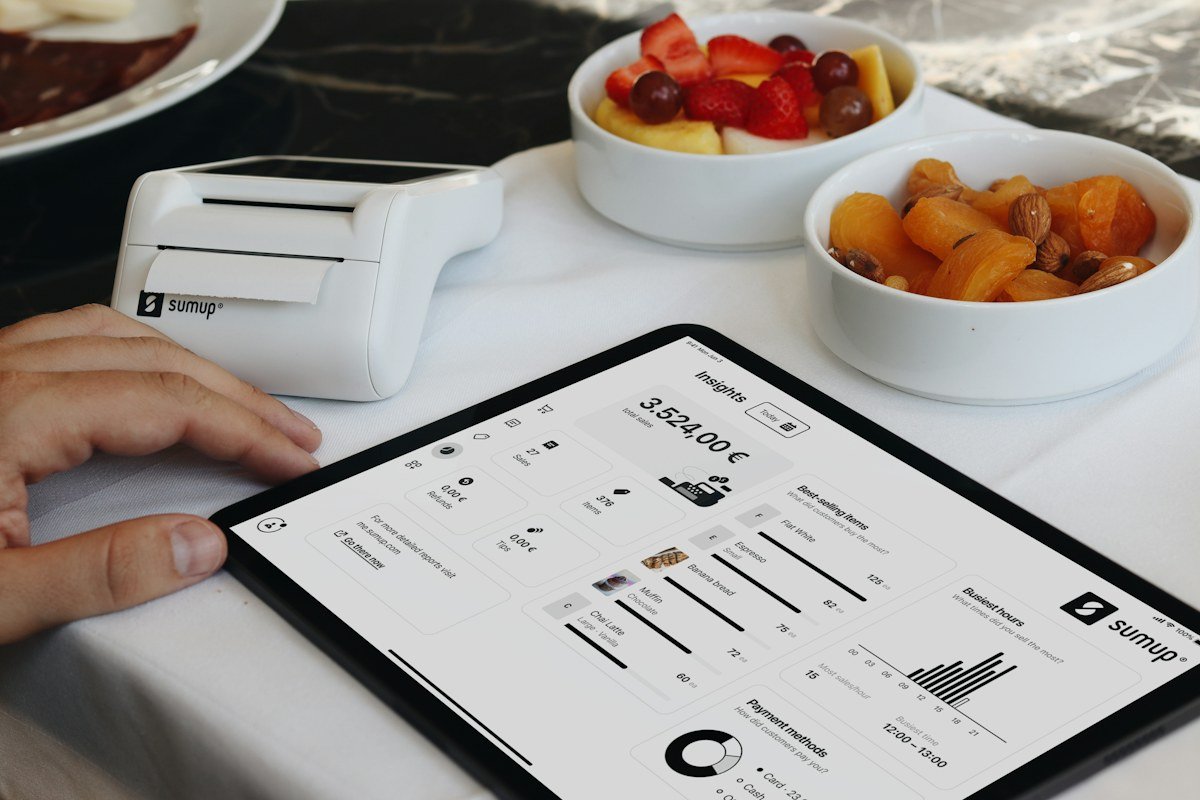
Featured photograph: SumUp, via Unsplash. Photo is used under the Unsplash license; verify current rights and attribution requirements before redistribution outside the website.